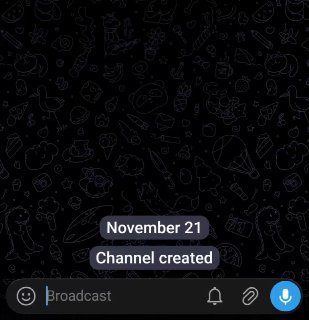
Telegram made it possible to convert voice to text before sending.
How to activate and use:.
1. First, enable the transcription option on the device.
2. From the list of languages, download and select the offline model of the language you want.
3. Enter the desired chat and drag the voice message recording button up to lock the recording.
4. Telegram converts the recorded voice to text offline and on the phone itself. The converted text can be viewed live and the audio is not sent to the Telegram servers for this process.
5. After checking the text, send only the text by selecting Send.
If you select the blue button with the send icon instead of the Send option, the voice message will be sent, not the text.