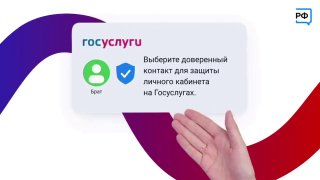
Add an extra layer of protection to your State Services account - a trusted contact will become extra insurance when you recover your password! How to install: - In your personal account, open the "Profile" section and select "Security", then "Trusted Contact".
- Click "Add";.
- Indicate the name of a loved one, as in the passport, and the telephone number linked to the state services;.
- Send an invitation and ask the recipient to confirm it in their personal account. New protection methods against cyber crooks appear in our country within the framework of the national project "Data Economy".