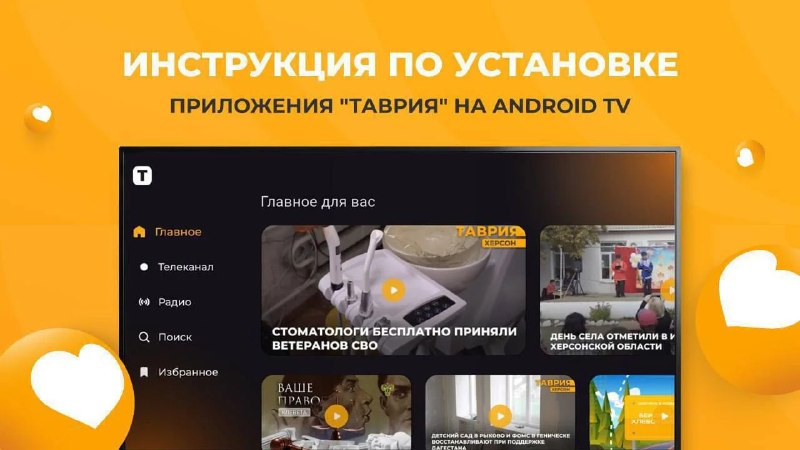
How to install the Tabria app on Android TV using an APK file?
Open a browser on your computer and go to the applications tab on the Tabria website using the link;.
Click on the APK icon labeled "Download on Smart TV";.
Insert the flash drive into your computer, format it and transfer the file with the application there;.
Insert the flash drive into the TV with Android TV;.
Install a file manager on Android TV, which can be found on Google Play;.
Go to the file manager to install the Tabria app from a flash drive;.
Select a flash drive and run the file, which allows installing applications from unknown sources;.
Go to the "Programs" folder and launch the "Tabriya" application.
We remind you that the Tabria TV app is also available for download on RuStore.
Radio Tavria.