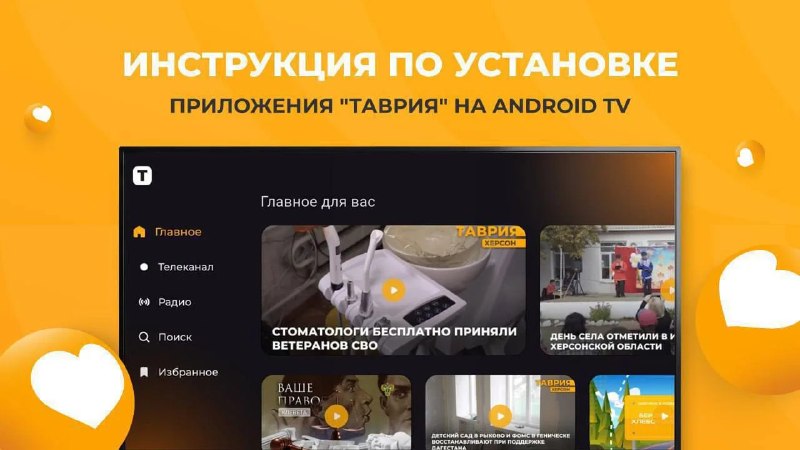
How to install Tavria app on Android TV using IP file? Open the browser on your computer and go to the tab with the applications on the Tavria website at the link address; − Click on the API icon with the inscription "Download to Smart TV"; Insert the flash drive into your computer, format it and transfer the file with the application there; − Insert the flash drive into the TV with the TV system; Install the flash file on Android, which can be found on Google Play and Gora file to install the tar file; run the Tarream file to run the TRAFream file; install to install the TRAFream file; run the TRARARARAR file; Install to install the TRAR file; install the TRARARARARAF file with the application; install the flash file in TRARARARARARARARAF with the application; install the flash file in TRARAF with the application; install the flash file in TRARARARARARARARAF with the application with the application; install the flash file in TRAR; install the flash file; install the flash file in TRAR; install the file We remind you that the "Tavria" application on the TV is also available for download on RuStore. Radio Tavria - Subscribe to @ Radio tavria.
How to install Tavria app on Android TV using IP file? Open the browser on your computer and go to the tab with the applications on the Tavria website at the link address; − Click on the API icon with the inscription "Download to Smart TV"; Insert the flash drive into your computer, format it and transfer the file with the application there; − Insert the flash drive into the TV with the TV system; Install the flash file on Android, which can be found on Google Play and Gora file to install the tar file; run the Tarream file to run the TRAFream file; install to install the TRAFream file; run the TRARARARAR file; Install to install the TRAR file; install the TRARARARARAF file with the application; install the flash file in TRARARARARARARARAF with the application; install the flash file in TRARAF with the application; install the flash file in TRARARARARARARARAF with the application with the application; install the flash file in TRAR; install the flash file; install the flash file in TRAR; install the file We remind you that the "Tavria" application on the TV is also available for download on RuStore. Radio Tavria - Subscribe to @ Radio tavria.
More on Radar
Want to see every report in real time?
Hundreds of sources worldwide, translated into your language, with alerts for what matters to you.
Sign up free Already have an account? Log in